
Boonbuy Spreadsheet: Finds, QC Photos & Coupons
Looking for a Boonbuy spreadsheet, sheet or list of Boonbuy links? SSFinds lists hand-picked finds you can open on Boonbuy in one click, including budget links, shows free Boonbuy QC photos before you buy, has a short Boonbuy tutorial for first orders, and gives you the current Boonbuy coupon for new users.
About Boonbuy
Boonbuy is a shopping agent: you pick an item, Boonbuy buys it from Taobao, 1688 and Weidian for you, checks it in its warehouse and ships it abroad. This page is our Boonbuy spreadsheet, a list of finds you can open on Boonbuy with one click.
Boonbuy links: pick a category
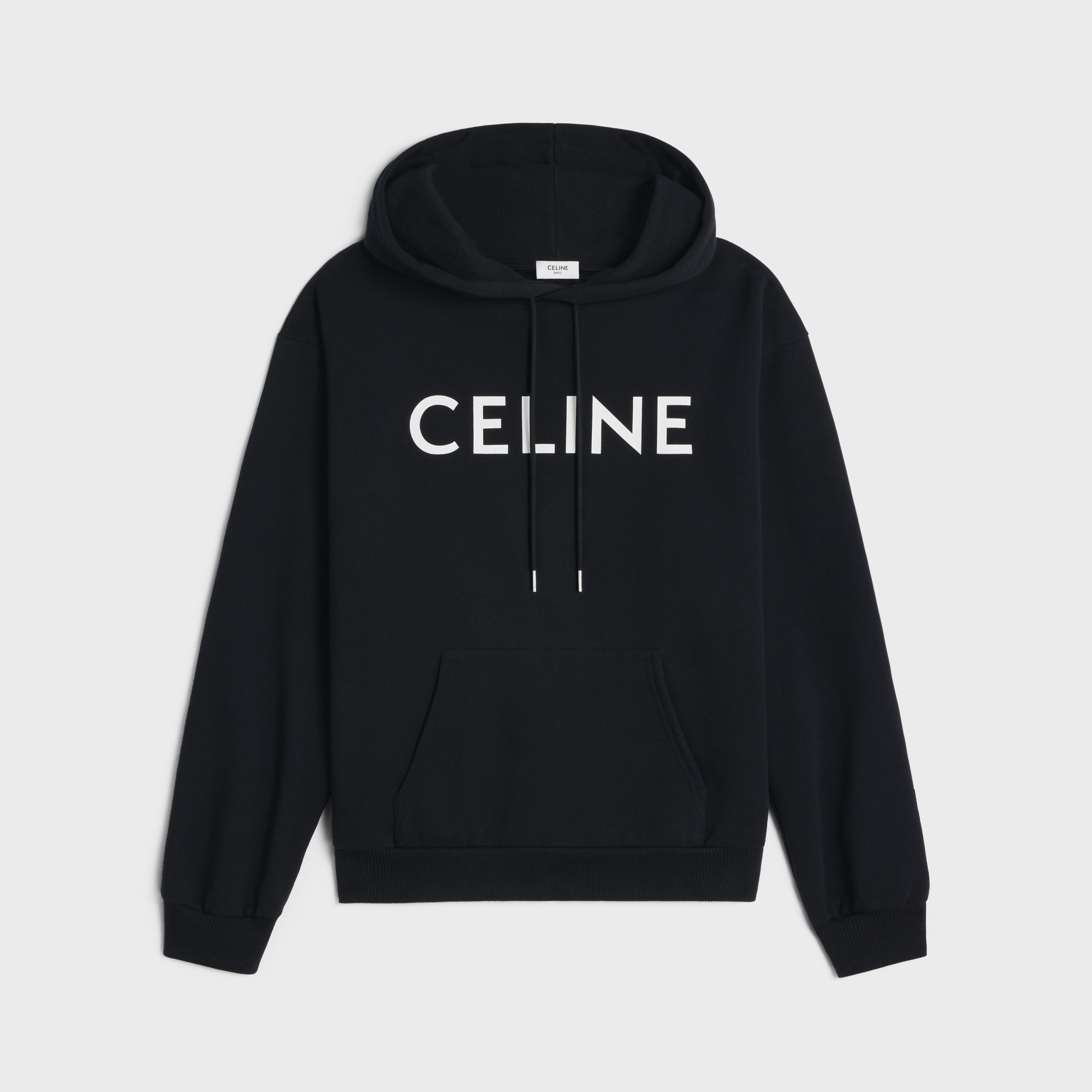
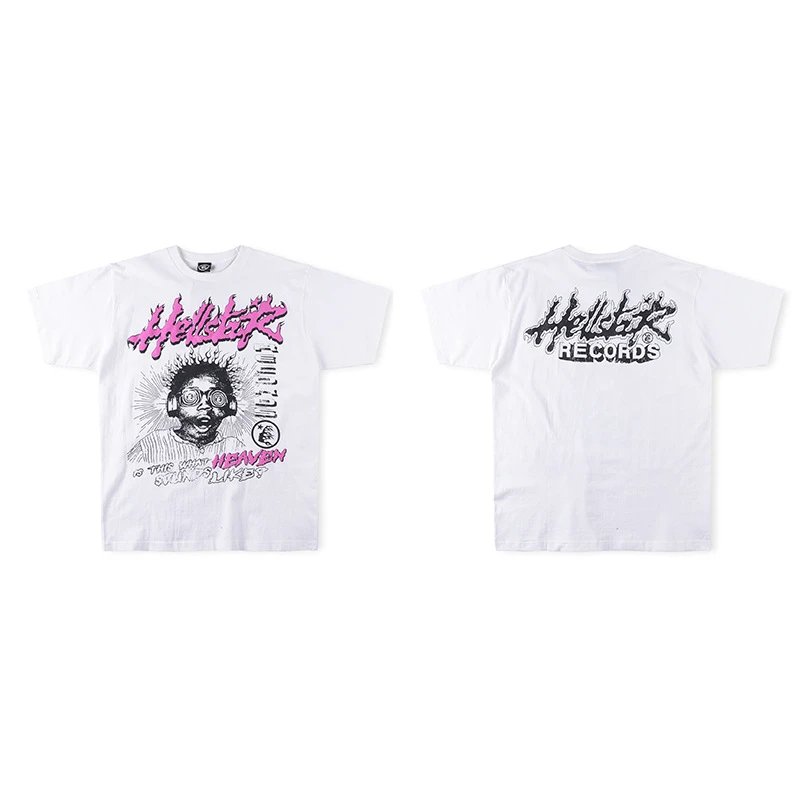
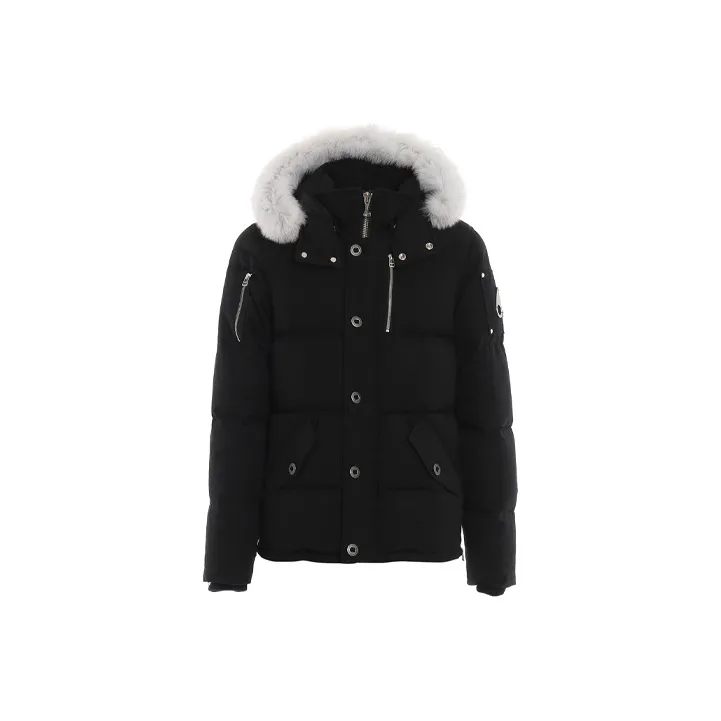
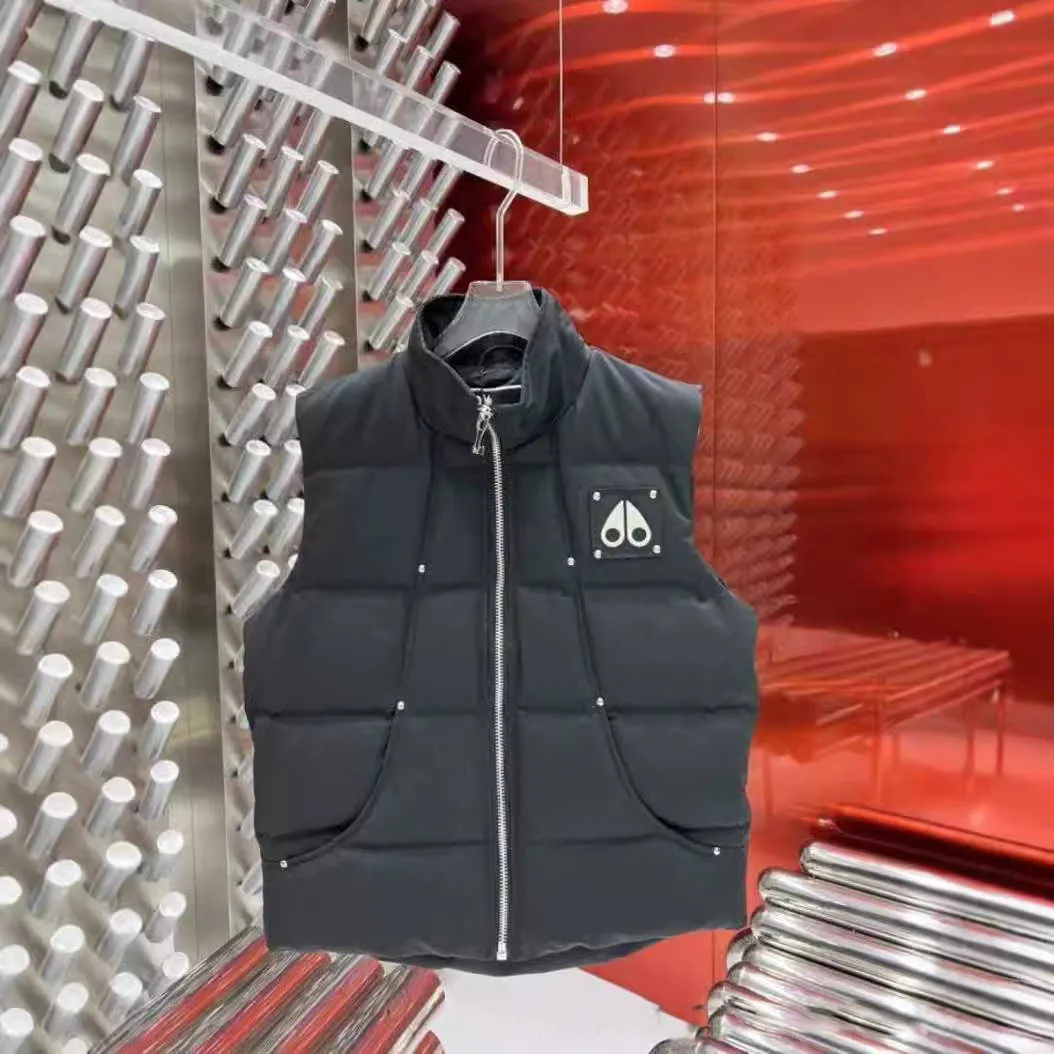
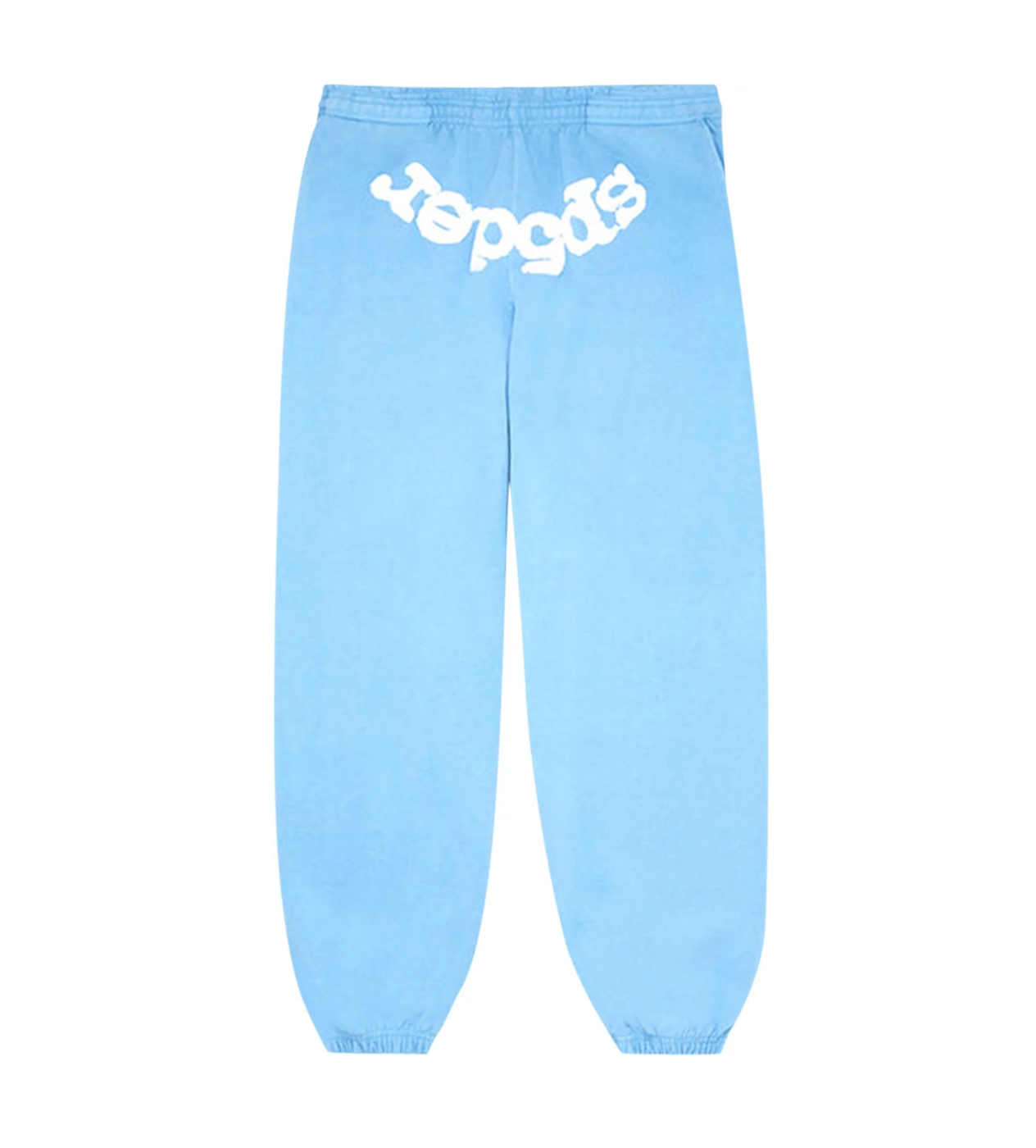
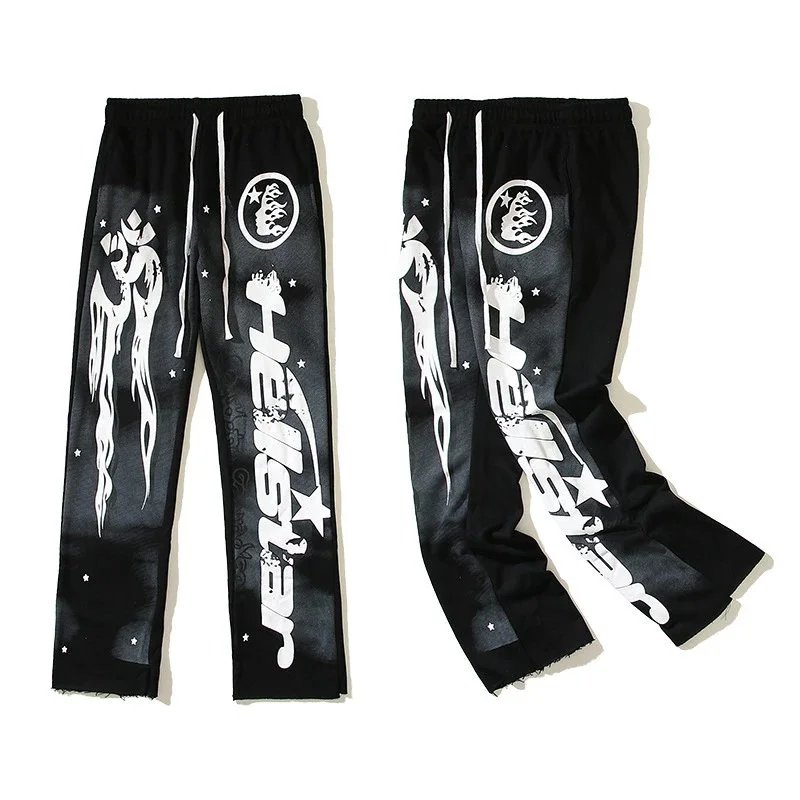
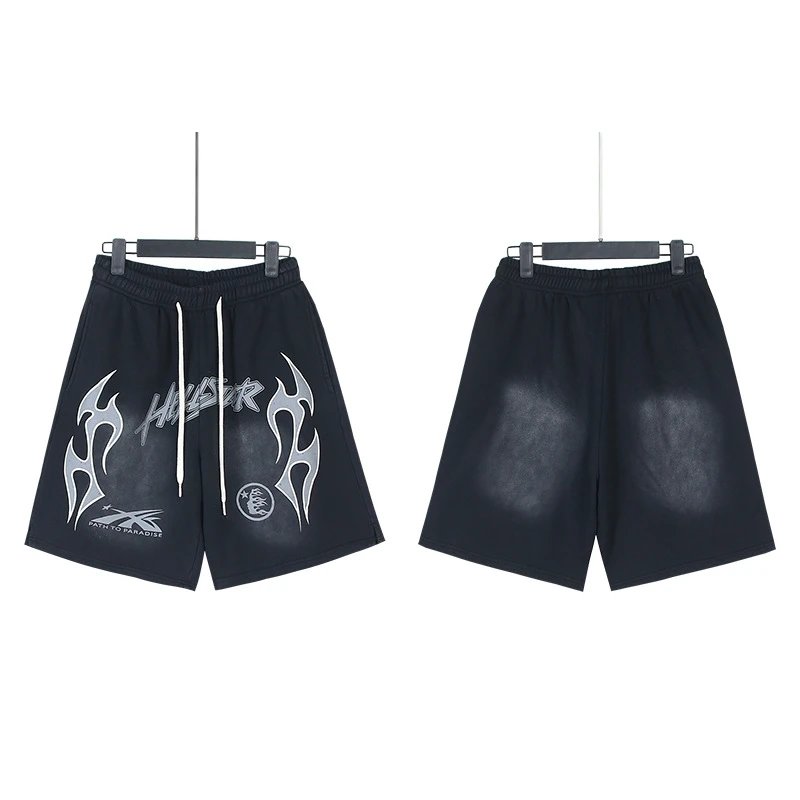
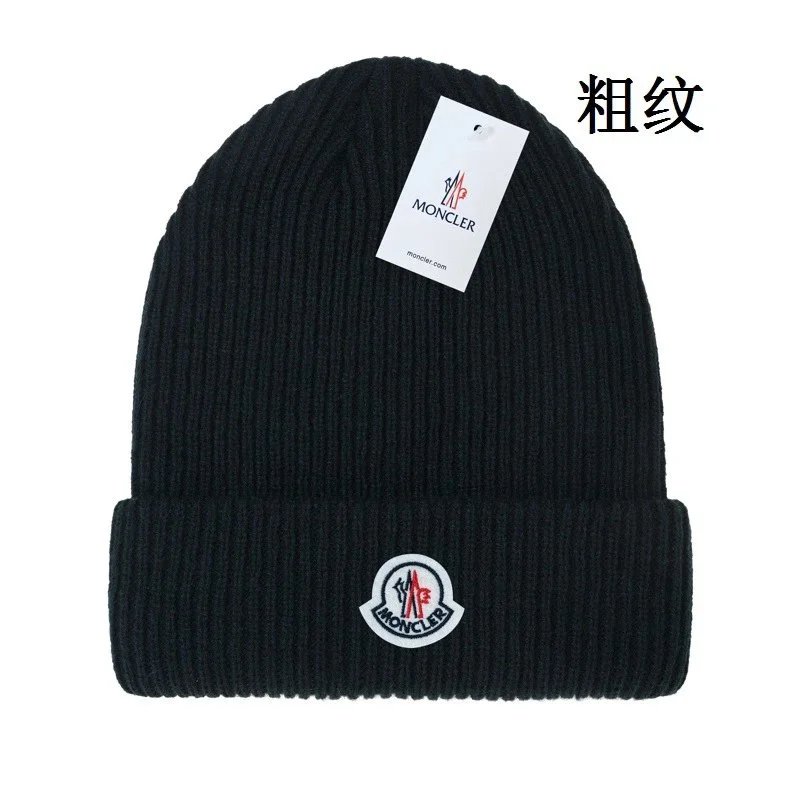
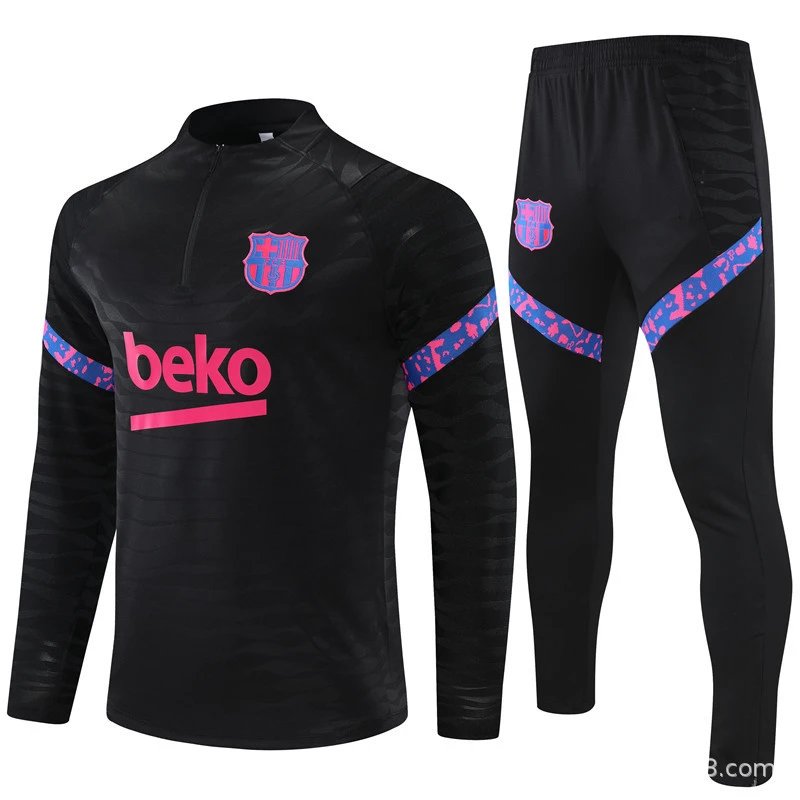
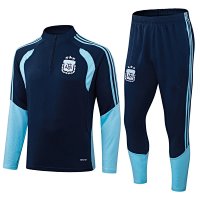
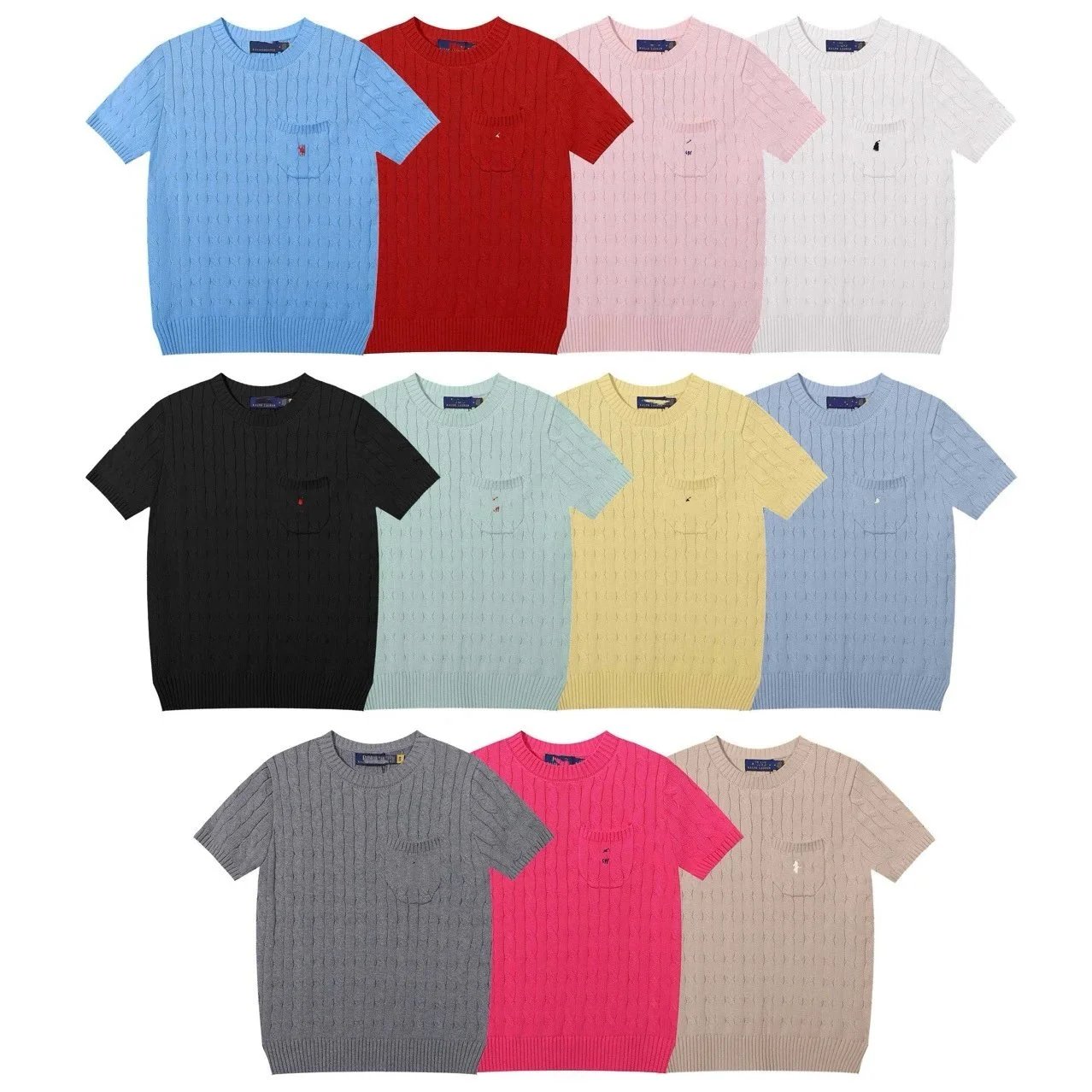
Tap a square to open the full Boonbuy spreadsheet for that category. Every link opens the item on Boonbuy with our invite code, and you can check the QC photos first.













Boonbuy tutorial: how to order step by step
- Sign up to Boonbuy with our link so the new user offer and invite code are applied.
- Pick an item from the Boonbuy links above, or paste any Weidian, Taobao or 1688 link into our search bar.
- Check the QC photos on SSFinds first, then press Buy on Boonbuy and add the item to your cart.
- Pay for the item. Boonbuy buys it from the seller and the seller ships it to the agent's warehouse.
- When it arrives, Boonbuy takes QC photos. Approve them, or ask for an exchange or refund if something is wrong.
- Combine your items, choose a shipping line and pay the international shipping to send your haul home.
These are the general steps most agents follow. Button names and fees on Boonbuy can differ, so always check the details on Boonbuy before you pay.
Boonbuy QCs: how to check them
- Open an item on SSFinds to see Boonbuy QC photos other buyers already received, before you order.
- Look at stitching, logos, tags and the overall shape compared to the product photos.
- Check the measurements in the QC photos against the size chart.
- If your own Boonbuy QC photos look wrong, ask the agent for an exchange or refund before shipping.
Boonbuy shipping: how to send your haul
After your items arrive at the Boonbuy warehouse and pass QC, you combine them into one parcel, pick a shipping line and pay the international shipping. The available lines, prices and delivery times depend on Boonbuy, your destination country and the parcel's weight.
- Use the shipping estimator on Boonbuy to compare lines before you pay.
- Combine items into one parcel to avoid paying for several smaller ones.
- Check size and weight limits, and remove extra packaging if you can.
- Customs and import fees at your destination are not included in the shipping price.
Boonbuy help: common problems
- Wrong or poor item: check your QC photos before shipping and ask Boonbuy for an exchange or refund.
- Order delayed: sellers can take a few days to ship to the warehouse, so check the order status on Boonbuy first.
- Missing parcel: contact Boonbuy support with your order number and tracking number.
- Coupon not showing: sign up through our Boonbuy link, then check your coupons page on Boonbuy.
- Still stuck? Ask in our Discord.
How to use the Boonbuy spreadsheet on SSFinds
- Browse our finds by category, or paste any Weidian, Taobao or 1688 link into the search bar.
- Open the item page to see QC photos from real buyers and check the quality.
- Click the Boonbuy button to open the same item on Boonbuy.
- Add it to your Boonbuy cart and check out. Your new user bonus is applied by Boonbuy.
What you get on SSFinds
Boonbuy spreadsheet FAQ
What is the Boonbuy spreadsheet?
A Boonbuy spreadsheet is a list of products from Weidian, Taobao and 1688 that you can buy through the Boonbuy shopping agent. On SSFinds you can browse finds by category and open any item on Boonbuy with one click, so you don't have to copy links by hand.
How do I check QC photos before buying on Boonbuy?
Paste the product link (Weidian, Taobao or 1688) into the SSFinds search bar. We show the QC photos that other buyers already received for that item, so you can check quality first, then open the item on Boonbuy when you are happy with it.
Is there a Boonbuy coupon or invite code?
Yes. New users who sign up to Boonbuy through SSFinds Get -40% off your haul. Our links already include the invite code (88T6BJ8O0), so you don't have to enter anything. Offers can change, so check Boonbuy for the final terms.
What is Boonbuy and how does a shopping agent work?
Boonbuy is a shopping agent. You choose an item, Boonbuy buys it from the seller for you, the seller sends it to the agent's warehouse in China, the agent takes QC photos, and then you pay to ship the parcel to your address.
Where can I find Boonbuy budget links, budget items and budget finds?
Our Boonbuy budget links list shows items and finds under $30, cheapest first, each with a one-click Boonbuy link and a QC photo button. You can open the full list on the Boonbuy budget links page.
Where can I see Boonbuy items and links by category?
Pick a category square on this page (shoes, hoodies, t-shirts, jackets, pants, headwear, accessories and more). Each one opens the full list of Boonbuy items with a Buy on Boonbuy link for every find.
How does Boonbuy shipping work?
Once your items are in the Boonbuy warehouse you combine them into one parcel and choose a shipping line. Available lines, prices and delivery times depend on Boonbuy, your destination country and the parcel weight, so use Boonbuy's shipping estimator before you pay.
I need Boonbuy help: an item is wrong, late or missing. What should I do?
First check your QC photos before shipping and ask Boonbuy for an exchange or refund if something is wrong. For delays or missing parcels, contact Boonbuy support with your order number. You can also ask the community in our Discord.
Is there a Boonbuy tutorial for beginners?
Yes. The Boonbuy tutorial on this page walks through signing up, ordering, checking QC photos and shipping your haul, step by step. Details such as buttons and fees can differ on Boonbuy, so check them before you pay.
What is the difference between a Boonbuy sheet, spreadsheet and spreads?
They all mean the same thing: a list of finds with links you can buy through Boonbuy. SSFinds keeps this list up to date and adds QC photos and prices to every link.
Is SSFinds affiliated with Boonbuy?
No. SSFinds is a free, independent tool. We are not owned by Boonbuy. When you sign up or buy through our links we may earn a small commission, at no extra cost to you.